Open-source SSH client for Windows, Linux, and macOS
AzaleaModern SSH terminal for your servers
Fast SSH connections, SFTP, key management, and encrypted sync in one workspace built for people who live in the terminal.
A quick look
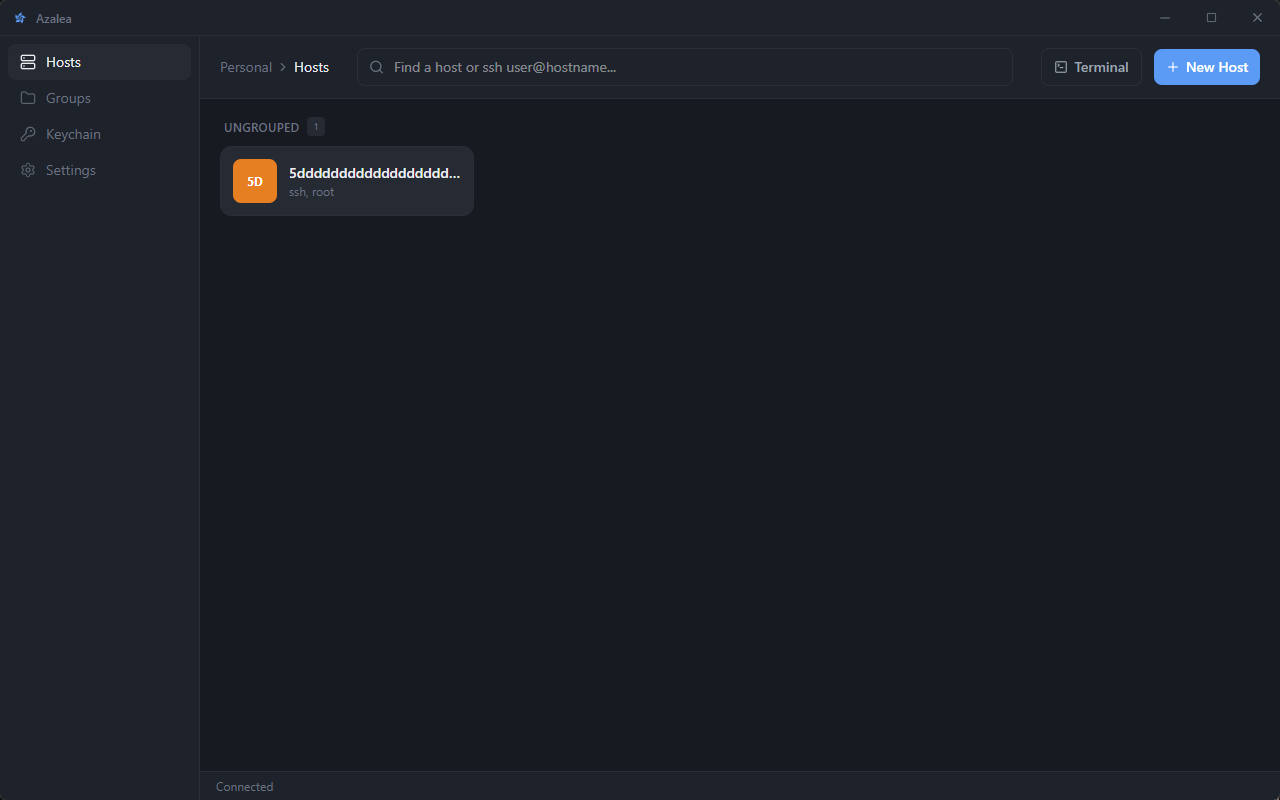
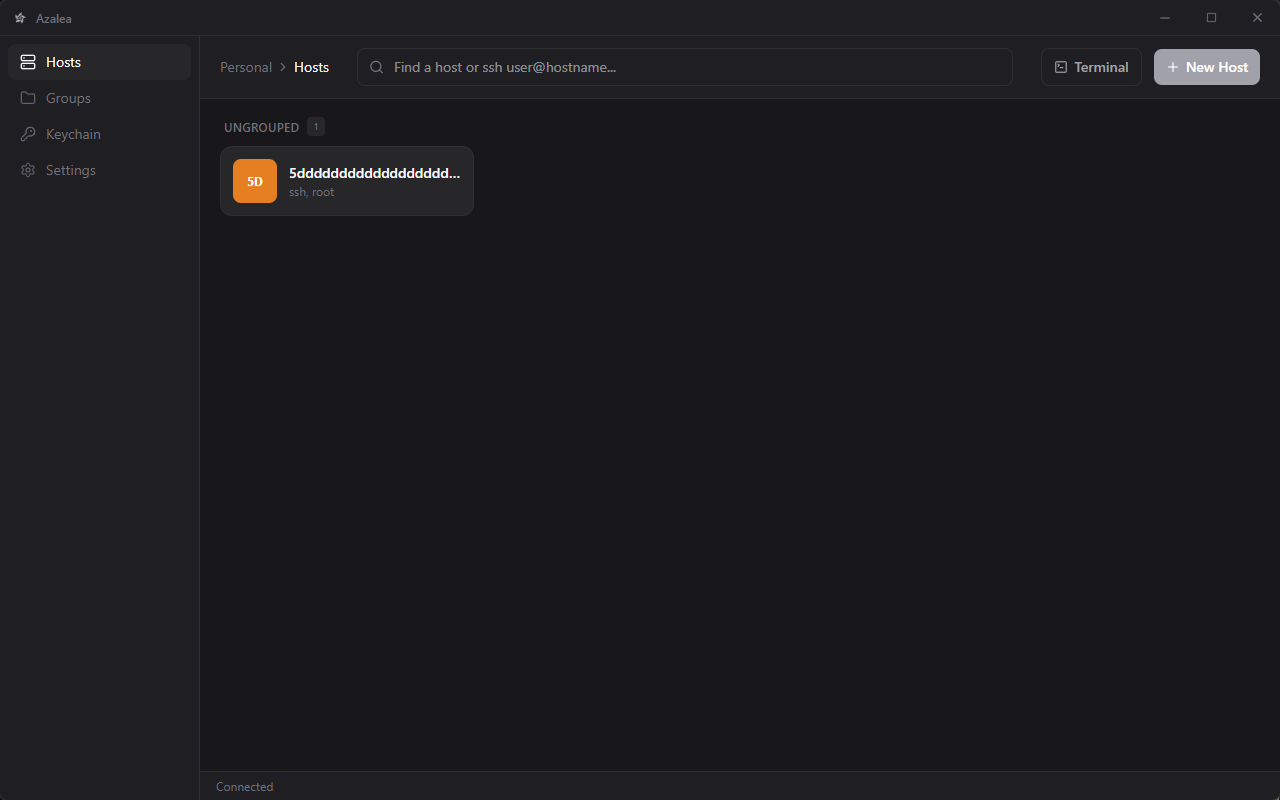
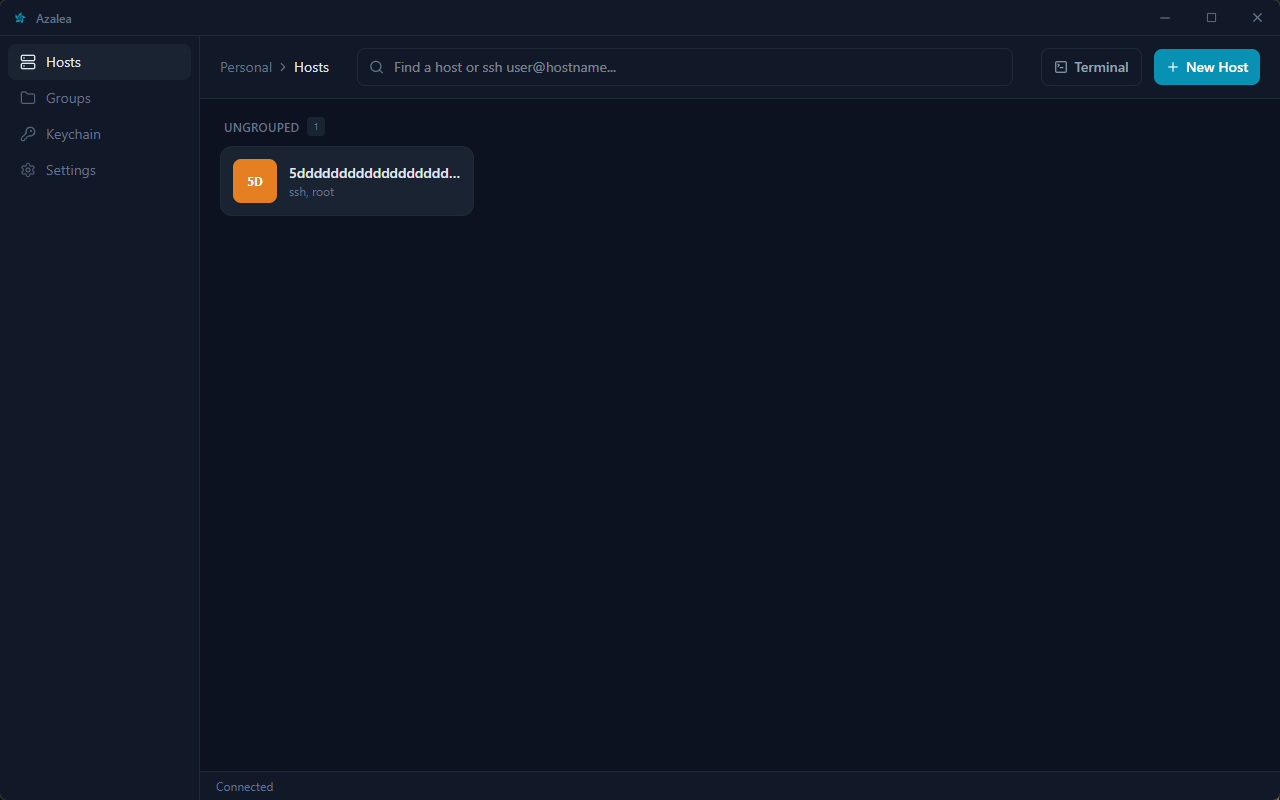
5 different themes
Five built-in color themes, including Glossy with frosted glass panels. Pick the look that fits your setup and switch anytime in Settings.


SSH client features that matter daily
A full SSH terminal workspace: tabs, SFTP, keys, port forwards, and sync without the clutter.
SSH terminal that stays fast
Multi-tab SSH sessions, splits, snippets, and a terminal built for daily remote work on Windows, Linux, and macOS.
SFTP and port forwarding
Browse remote files, upload and download, and set up local or remote port forwards without leaving the app.
SSH keys stay on your machine
Generate or import keys, install public keys on hosts, and keep passwords in secure storage instead of plaintext configs.
Local terminal included
Keep a local shell open next to your SSH sessions in one workspace when you need both.
Cloud sync
Zero-knowledge,
not zero effort
Optional encrypted sync keeps hosts, keys, and snippets aligned across devices. We only store ciphertext.
- Master passphrase never leaves your device
- Vault encrypted with Argon2id + AES-256-GCM before upload
- Same hosts and keys on every machine you trust
FAQ
What is Azalea?
Azalea is an open-source SSH client and terminal for Windows, Linux, and macOS. It includes multi-tab SSH sessions, SFTP, port forwarding, SSH key management, a local terminal, and optional zero-knowledge encrypted sync.
Is Azalea free?
Yes. The Azalea desktop app is free and open source under AGPL-3.0. Free accounts include encrypted cloud sync with a smaller vault; Pro increases cloud vault storage.
Does Azalea replace PuTTY or Termius?
Azalea is a modern alternative if you want a native SSH terminal with tabs, SFTP, key management, and encrypted sync across devices. It targets everyday SSH workflows rather than legacy single-window clients.
Where are my SSH keys stored?
Private keys and passwords stay on your device in secure storage. Optional cloud sync only uploads ciphertext encrypted with your master passphrase.
Which platforms does Azalea support?
Azalea supports Windows, Linux (.deb, .rpm, AppImage), and macOS. Download installers from the download page.
Ready to connect?
Download the Azalea SSH client and import your hosts in minutes.